
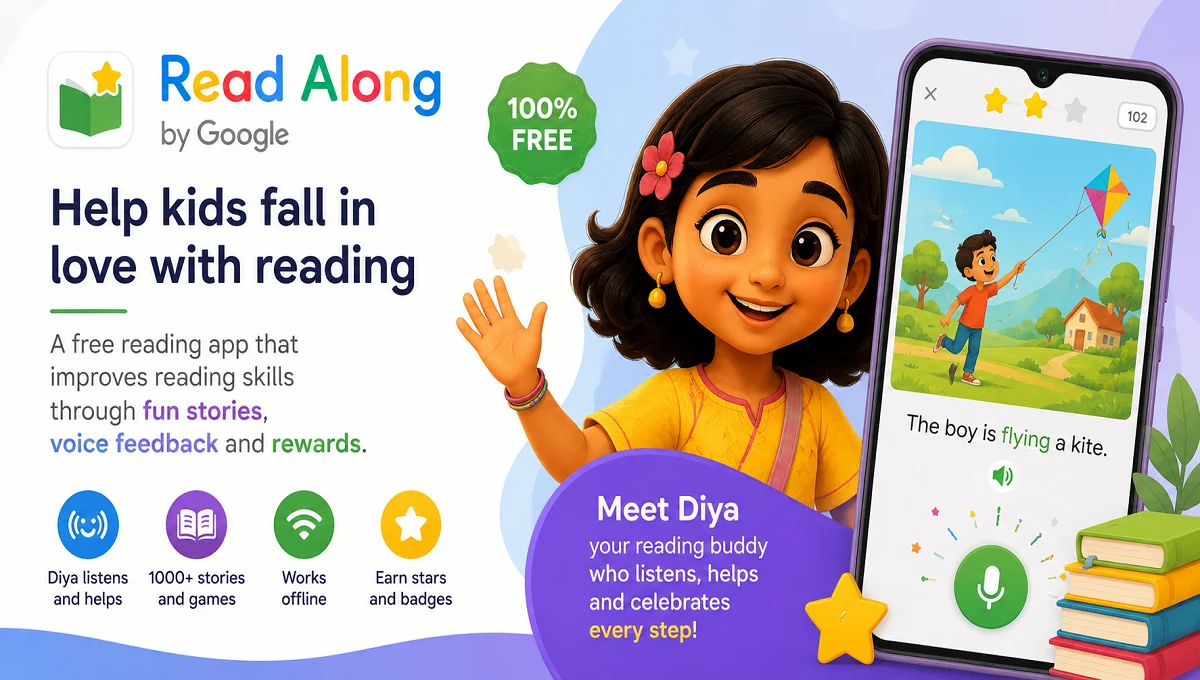
Read Along by Google is a free educational reading app for kids that improves pronunciation, reading confidence, and learning through interactive stories and voice recognition technology.
Read Along by Google – A Smart Reading App for Kids
In today’s digital learning era, educational apps are becoming an important part of children’s learning journeys. One such popular learning platform is Read Along by Google, a free reading application designed to help children improve their reading skills through interactive stories and voice-based guidance.
Previously known as Bolo, Read Along uses Google’s speech recognition technology to listen to children while they read aloud and provide instant feedback. The app is especially useful for early learners who are beginning to develop reading confidence and pronunciation skills.
What is Read Along by Google?
Read Along by Google is an AI-powered reading tutor app created for children aged 5 years and above. The app features a friendly virtual assistant named Diya, who helps kids practice reading stories aloud.
The application works both online and offline after installation, making it highly accessible for students in areas with limited internet connectivity.
Key Features of Read Along by Google
Voice Recognition Technology
The app listens carefully as children read stories aloud and provides real-time assistance whenever they struggle with pronunciation or difficult words.
Interactive Reading Buddy – Diya
Diya acts as a virtual teacher who encourages children with stars, rewards, and positive feedback.
Large Collection of Stories
Read Along offers hundreds of engaging stories, word games, and reading exercises suitable for different reading levels.
Multi-Language Support
The app supports multiple languages, including : English, Hindi, Gujarati, Marathi, Tamil, Telugu, Urdu, Bangla, Spanish, Portuguese.
Offline Learning
After downloading content, children can continue reading without an active internet connection.
Free and Ad-Free
The application is completely free to use and does not contain advertisements or in-app purchases.
Benefits of Using Read Along by Google
Improves Reading Confidence
Children become more confident readers by practicing aloud in a safe and encouraging environment.
Enhances Pronunciation
The speech recognition system helps learners pronounce words correctly.
Encourages Independent Learning
Kids can use the app independently without constant supervision from parents or teachers.
Fun Learning Experience
Rewards, badges, and interactive activities make reading enjoyable.
Suitable for Home and School Learning
Teachers and parents can use the app as a supplementary educational tool.
How to Use Read Along by Google
- Download the app from the Google Play Store -> Read Along.
- Select the preferred language.
- Create a child profile.
- Start reading stories with Diya.
- Earn stars and unlock new reading levels.
Why Read Along is Popular
Read Along became popular because it combines technology with education in a simple and engaging way. Parents appreciate the app because it is safe, educational, and easy to use. Teachers also recommend it for improving foundational literacy skills among young students. The app is particularly valuable in regions where access to quality reading resources may be limited.
Source : Google Play Store
Conclusion
Read Along by Google is an excellent educational app for children who are learning to read. Its interactive approach, speech recognition technology, multilingual support, and offline accessibility make it one of the best free reading apps available today.