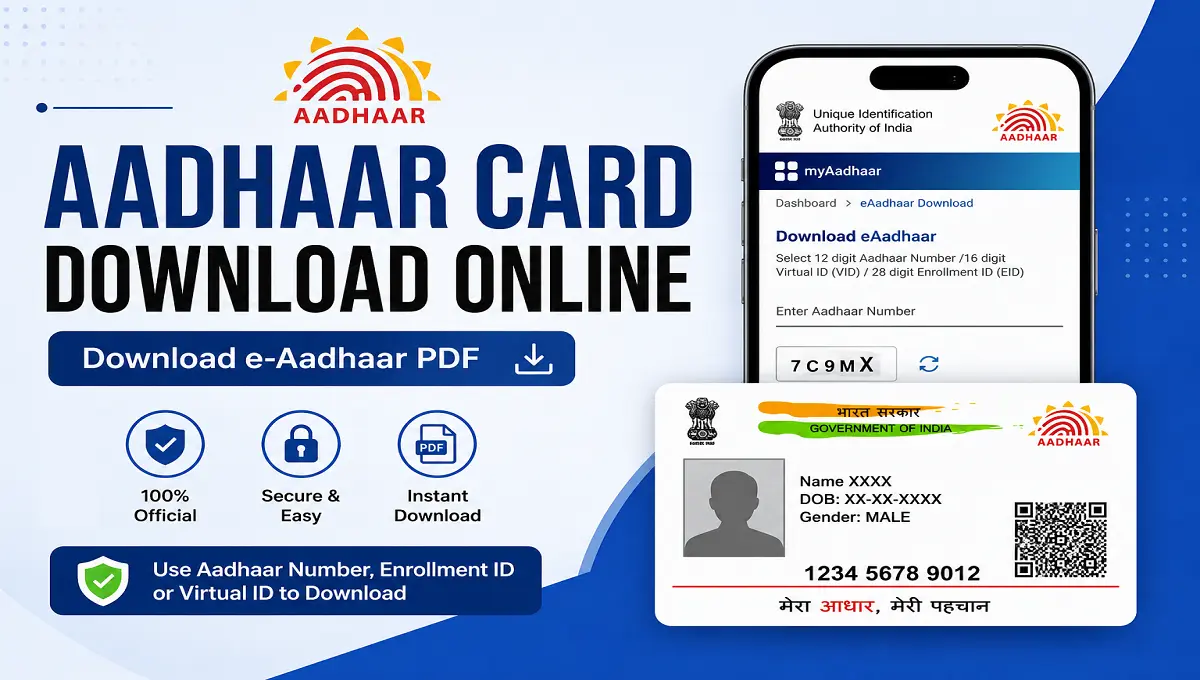
Aadhaar Card Download Online is one of the easiest services provided by the Unique Identification Authority of India (UIDAI). Residents can instantly access their Aadhaar in digital format without visiting any Aadhaar center. The online e-Aadhaar is legally valid and can be used for banking, KYC verification, government schemes, SIM verification, and many other official purposes.
Aadhaar Card Download Online
The Aadhaar card is one of the most important identity documents for residents of India. Issued by the Unique Identification Authority of India (UIDAI), Aadhaar contains a unique 12-digit identification number linked with biometric and demographic information.
With the advancement of digital services, UIDAI now allows users to download Aadhaar online within minutes. Users can access their e-Aadhaar through Aadhaar Number, Enrollment ID, or Virtual ID. The downloaded PDF is password protected and digitally signed, making it secure and legally valid throughout India.
Today, downloading an Aadhaar card online has become simple and convenient. Whether you need an e-Aadhaar PDF, masked Aadhaar, or want to retrieve your Aadhaar without visiting an enrollment center, the entire process can be completed online within minutes.
Aadhaar Card Download Online – Overview
| Particulars | Details |
|---|---|
| Article Name | Aadhaar Card Download Online |
| Issuing Authority | UIDAI |
| Document Type | Identity Proof |
| Aadhaar Format | e-Aadhaar PDF |
| Download Mode | Online |
| Required Details | Aadhaar Number / Enrollment ID / Virtual ID |
| OTP Verification | Required |
| Official Website | https://uidai.gov.in |
| PDF Protection | Password Protected |
| Availability | 24×7 Online |
What is e-Aadhaar?
An e-Aadhaar is the electronic version of the physical Aadhaar card. It is generated and digitally signed by UIDAI and is accepted as a valid identity proof across India. The e-Aadhaar can be downloaded in PDF format and stored on smartphones, laptops, or cloud storage for easy access anytime.
An e-Aadhaar is a digitally signed electronic version of your Aadhaar card issued by UIDAI. It is equally valid as the physical Aadhaar card and can be used for identity verification, banking, government schemes, SIM verification, and many other services.
The downloaded Aadhaar PDF includes : Aadhaar Number, Name of the Holder, Photograph, Address, Date of Birth, QR Code, Digital Signature by UIDAI
Eligibility for Aadhaar Card Download Online
Every resident who has successfully enrolled for Aadhaar and linked a mobile number with UIDAI can download their Aadhaar online. Any Aadhaar holder can download their Aadhaar online if : Mobile number is registered with Aadhaar, Aadhaar number or Enrollment ID is available, OTP verification can be completed.
Details Required to Download Aadhaar Online
Before starting the Aadhaar download process, users should keep the necessary details ready to avoid delays during OTP verification. You can download Aadhaar using any one of the following : Aadhaar Number (UID), Enrollment ID (EID), Virtual ID (VID). Additionally, you need : Registered mobile number, OTP received on mobile.
How to Aadhaar Card Download Online Using Aadhaar Number
Downloading Aadhaar using the Aadhaar Number is the most common and easiest method. The process requires OTP verification through the registered mobile number.
Step 1: Visit UIDAI Official Website
Step 2: Select “Download Aadhaar” – Navigate to the “My Aadhaar” section and click on “Download Aadhaar”.
Step 3: Enter Aadhaar Number – Type your 12-digit Aadhaar number.
Step 4: Complete CAPTCHA – Enter the security captcha shown on the screen.
Step 5: Generate OTP – Click on “Send OTP”.
Step 6: Verify OTP – Enter the OTP received on your registered mobile number.
Step 7: Download e-Aadhaar – Click on “Verify and Download” to download the Aadhaar PDF.
How to Aadhaar Card Download Online Using Enrollment ID (EID)
If your Aadhaar number has not been received yet or you have forgotten it, UIDAI allows users to download Aadhaar using the Enrollment ID mentioned on the enrollment slip. If you do not remember your Aadhaar number, you can use the Enrollment ID.
- Visit UIDAI website
- Click on “Download Aadhaar”
- Select “Enrollment ID” option
- Enter 28-digit Enrollment ID
- Complete captcha verification
- Receive OTP on registered mobile number
- Verify OTP
- Download Aadhaar PDF
How to Aadhaar Card Download Online Using Virtual ID (VID)
The Virtual ID (VID) is a temporary 16-digit number generated against your Aadhaar number for privacy and security purposes. Virtual ID is a temporary 16-digit number linked to Aadhaar.
- Open UIDAI portal
- Choose “Virtual ID” option
- Enter VID number
- Complete captcha verification
- Verify OTP
- Download Aadhaar PDF
Aadhaar PDF Password Format
To ensure privacy and security, UIDAI protects every downloaded Aadhaar PDF with a password. Users must enter the correct password to open the file. The downloaded Aadhaar PDF is password protected. Password Format
- First 4 letters of your name in CAPITAL letters
- Year of Birth (YYYY)
| Name | Year of Birth | Password |
| RAHUL KUMAR | 1995 | RAHU1995 |
| ANITA | 2001 | ANIT2001 |
Benefits of Downloading Aadhaar Online
Online Aadhaar download provides several advantages for users who need instant access to their identity proof.
- Instant access to Aadhaar
- Available anytime and anywhere
- Accepted as valid identity proof
- Secure and digitally signed
- Useful for online KYC verification
- No need to visit Aadhaar centers
Conclusion
Aadhaar card download online is a secure and convenient service introduced by UIDAI to help residents access their identity document anytime and anywhere. The entire process is simple, fast, and completely free.